Every way into the recolor editor
There is one workspace on this site. The pages below open it already pointed at a single job — the right mode chosen, the right panel open, the dropper or the brush already in your hand — so you can start without reading the rail first. The home page opens it with nothing chosen at all.
The rail, group by group (65 tools)
- Colours (15) is where you say which colour you mean and read back how much of the frame agreed with you.
- Modes (9) is the switch between keeping a photo's shading, painting a flat fill, toning, splashing, mapping, rotating, swapping and the colour-vision step.
- Regions (7) is for the cases a colour cannot settle on its own — brushes, typed shapes, the click-to-select patch and two optional on-device finders.
- Palette (5) is the picture's eight largest colours, your saved brand colours and, for an indexed PNG, its actual colour table.
- Variants (5) is turns one good selection into a set of colourways and a card that lists them.
- Meter (4) is pins that read a spot before and after, and can make the target exact at that spot.
- Vision (5) is a look at the result through three kinds of colour blindness, with a fix you can keep or discard.
- Stack (5) is keeps every step as an editable record, in order, with a link that carries the steps and no picture.
- Batch (3) is sends those steps on to a queue of other photos.
- Save (7) is decides the format, the size target and what is stripped on the way out.
Task pages
What do you want to recolour?
Nineteen ways in, each one set up for its own job.
 PaletteRecolour a PNG logo or icon and keep the file exactly the same size, pixel for pixel.
 ColorizeLay one editable tint across a monochrome image while every pixel keeps its own lightness.
 Replace ColorOpen with the dropper already armed, swap one colour for another and see what else moved.
 Change Clothes ColorSample the garment, choose its new colour and keep its folds, highlights and shadows.
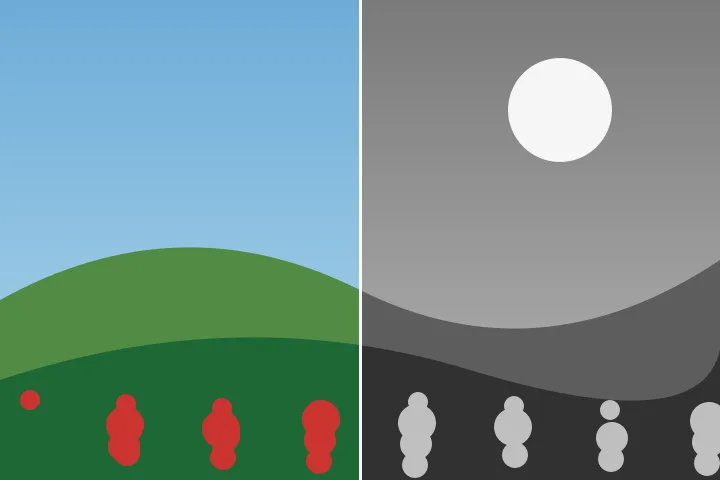 Black and WhiteTurn a photo black and white and choose how light each colour becomes with a red to blue filter.
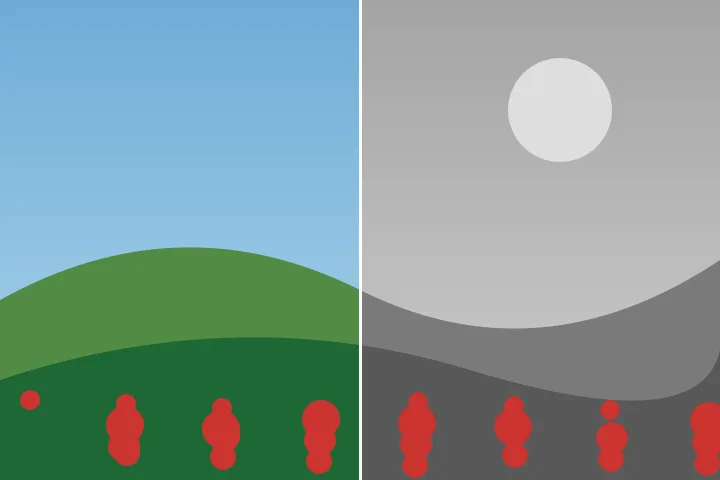 Color SplashKeep the colour you tap and send everything else to black and white along a soft edge.
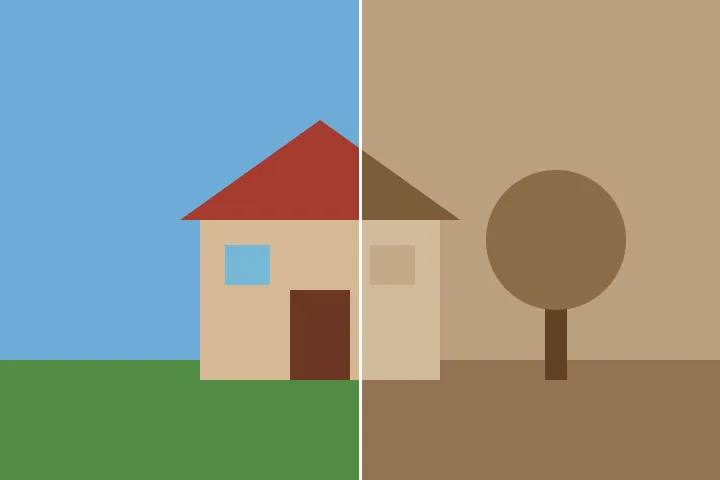 SepiaTone a photo sepia, selenium, cyanotype or platinum, laid along each pixel's own lightness.
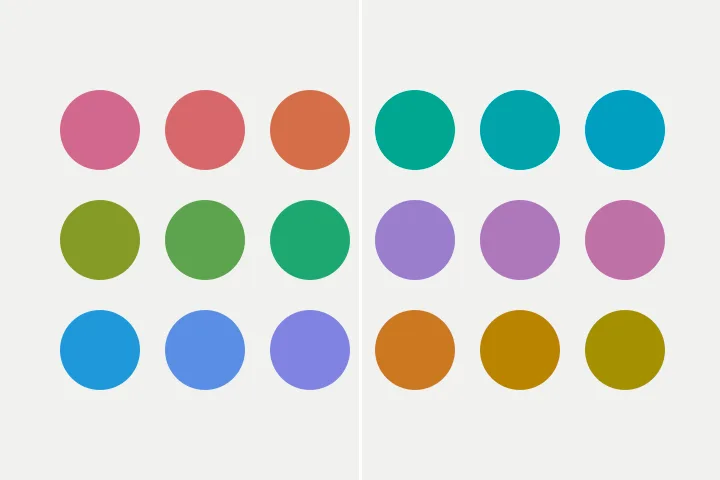 Change HueRotate every colour by a stated angle while greys stay grey and skin can be held back.
 Change Hair ColorPaint over the hair, pick a shade and keep the light and shadow of every strand.
 Change Object ColorMark the object with a rectangle first, then recolour it and nothing around it.
 Change Logo ColorGive a flat logo an exact new hex with clean edges, and keep an indexed PNG indexed.
 Match Brand ColorType your brand colour and see the picture wear it, as close as a screen can show.
 Change Color PaletteMap every pixel onto two to sixteen swatches of your own and see how much each one holds.
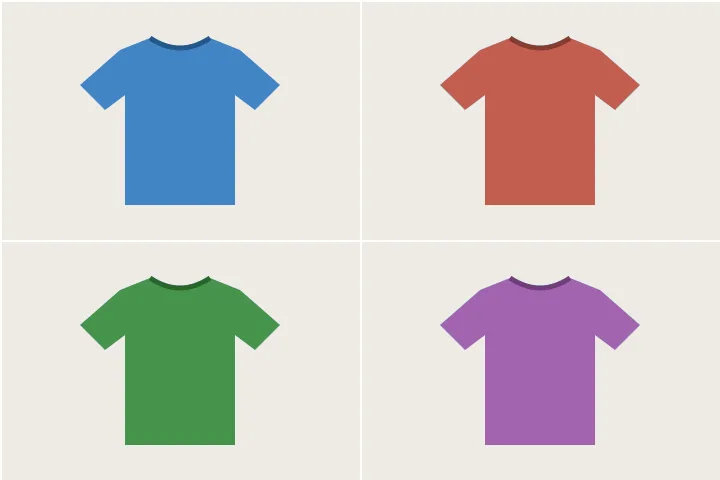 Color VariantsMake four to eight colourways from one selection and save them all in one ZIP.
 Change Eye ColorThe eyes are found for you and only the irises take the new colour.
 Recolor SVGChange any colour in an SVG file and keep every other character exactly as it was.
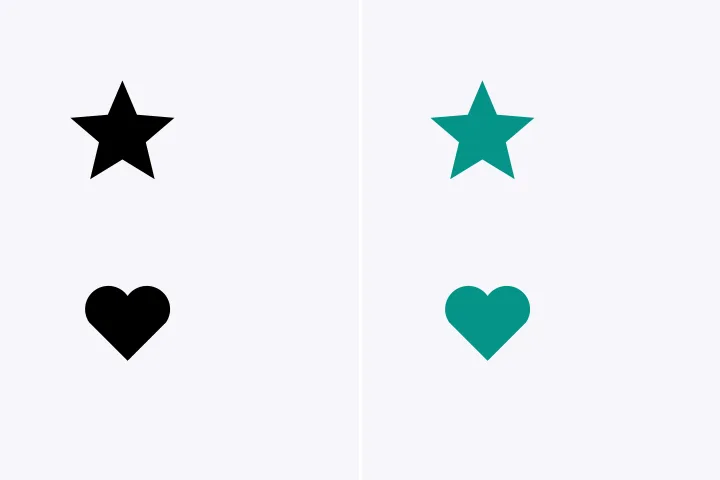 CSS Color FilterGet the CSS filter line that turns a black or white icon into your colour.
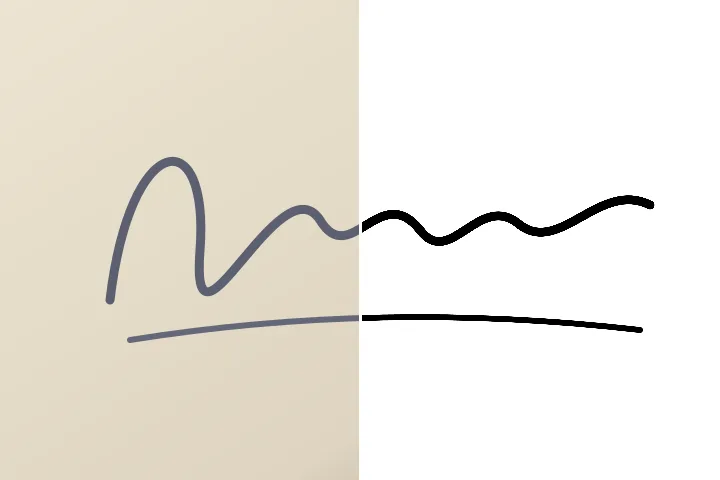 Signature Ink ColorClean a signature scan to black ink on white, sized for the form.
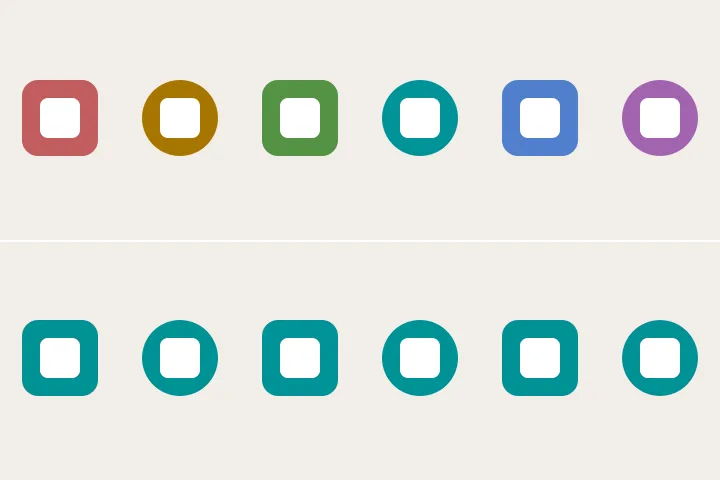 Batch RecolorTurn a whole folder of pictures the same new colour and save them in one ZIP.