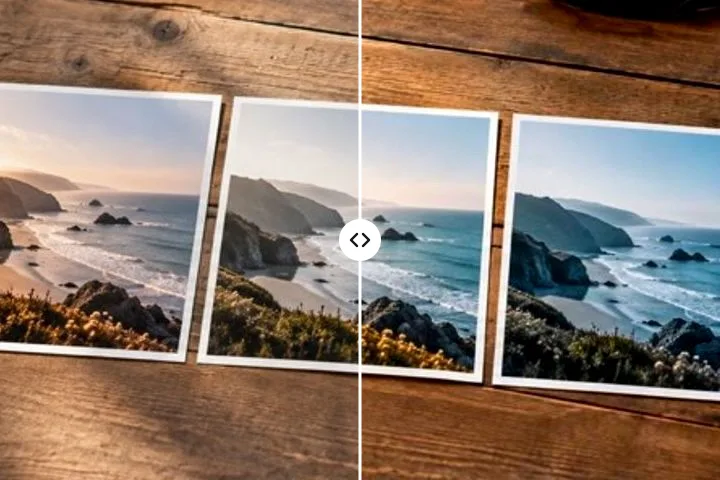
Colour added without inventing a scene
The opening operation does not search for a source colour. Every non-transparent pixel is included, its luminance stays where it was, and only its chromatic axes move to the selected target. That makes a real one-colour treatment for scans, engravings and black-and-white portraits rather than a wide tolerance pretending to select the whole frame.
Choose the target swatch and inspect the darkest and lightest regions. A strong chroma may clip at the edges of sRGB; the preview and export use the same gamut reduction, so the file is the result you approved.
What the operation cannot recover
- Original object colours are absent from a monochrome image and cannot be inferred by this arithmetic.
- One hue cannot independently colour skin, clothing and a background; that needs masks or a trained model.
- Colourising an already-colour image deliberately replaces all of its hues, so compare before saving.
Questions about the map
Does this restore the original colours?
No. A monochrome file contains lightness, not the hues that produced it. This maps one chosen colour across that lightness structure and makes no claim to historical reconstruction.
Why do the highlights stay pale?
The colour operation keeps each pixel's lightness. A near-white highlight therefore remains near white, while mid-tones carry most of the chosen chroma and shadows stay dark.
Can I make a duotone?
Yes. The Tone group turns the single tint into a ramp: two stops for a split tone (one colour on the shadows, another on the highlights, with a balance control) or three for a gradient map through the mid-tones. Strength blends the result with the original.
Other colour workflows
- Sepia and toningSepia, selenium, cyanotype, platinum or split toning, laid along each pixel's own lightness.
- Make a photo black and whitePerceptual conversion, red to blue filter looks, a three-point curve and a true greyscale PNG.
- Replace a colourThe dropper armed on open, two swatches, one operation and nothing else to manage.
- The general remapperHue shift, absolute replace and a stack of operations that can be reordered and edited.